01
Voyage overview
See the vessel's voyage number, service, current leg and overall progress on a single summary card.

Live tool
Enter a container number, Bill of Lading or air waybill to follow every milestone.
Overview
Vessel Tracker shows where the ships carrying your cargo are and what their voyage looks like next. Select a vessel or a shipment to view its recent position, route sailed, upcoming port calls and estimated arrival times across our network of 58 owned and chartered vessels.
Voyage context matters as much as position. The tracker highlights the port-call sequence, time spent at anchor or berth and any changes to the rotation, helping planners understand why an arrival estimate has moved and what it means for downstream operations.
Position information comes from vessel reporting systems and may be delayed in remote areas. Arrival estimates are operational forecasts rather than commitments, and our operations team can provide further detail when a decision depends on precise timing.
58 vessels
Tool capability
Built for operational clarity
A focused set of capabilities helps teams move from information to an appropriate next action.
See the vessel's voyage number, service, current leg and overall progress on a single summary card.
Recent reported position and route sailed are shown on a map, with the time of the last update clearly indicated.
Upcoming and completed port calls appear in sequence, so you can see where the vessel is expected next and when.
Containers and bookings on board are linked to the vessel, making it simple to move from voyage view to shipment detail.
Estimated arrival at each remaining port is shown with its update time, so planners can judge how current the forecast is.
Rotation changes, omitted calls and significant delays are highlighted as operational updates on the voyage timeline.
Operational context
How it works
Follow these steps to use the tool responsibly and make the result actionable.
Search by vessel name, IMO number or a shipment reference carried on board.
Check the latest reported position and the time it was recorded.
See completed and upcoming port calls with estimated arrival times.
Open the shipments on board to see container-level milestones.
Use the arrival estimate to plan collection and contact operations for critical timing.
In operation
FSC digital tools support better coordination across transport and customer workflows. Access and available content depend on account permissions, route and operational data sources.

Connected logistics information


FAQ
Can't find what you're looking for? Our specialists are available around the clock.
Contact our teamKeep exploring
 Track & Plan
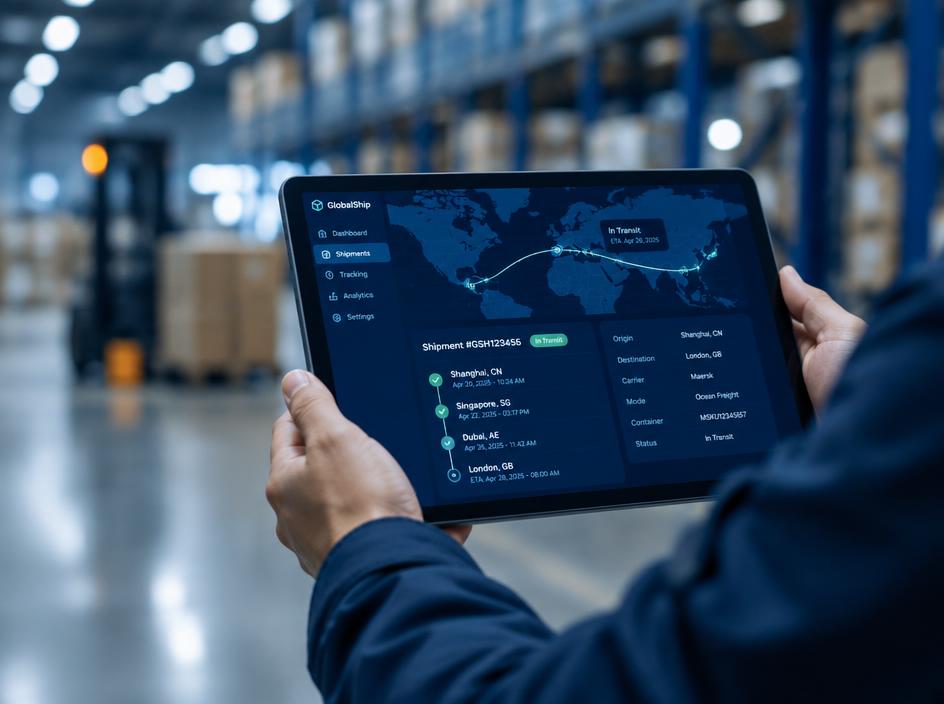
Follow shipment milestones in one view, from booking confirmation through delivery and document availability.
Explore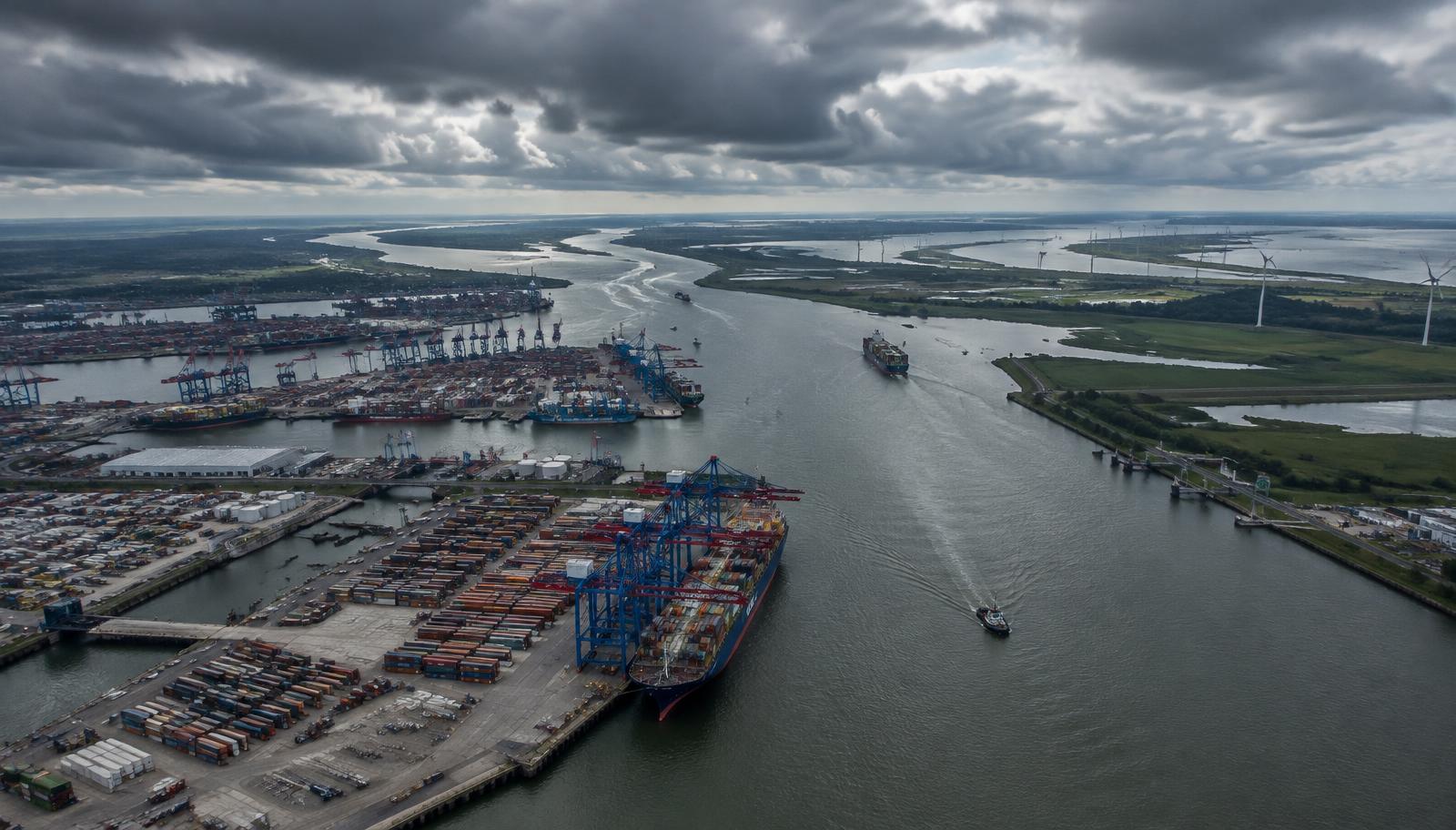 Track & Plan
Compare planned services and port connections to select a routing that fits your cargo priorities.
ExploreTrack & PlanEstimate end-to-end transit windows using origin, destination, mode and routing assumptions.
Explore
Speak with your FSC representative for operational guidance or access support.