01
Instant estimates
Enter weight and distance to see an indicative footprint immediately, without registering or uploading shipment files.
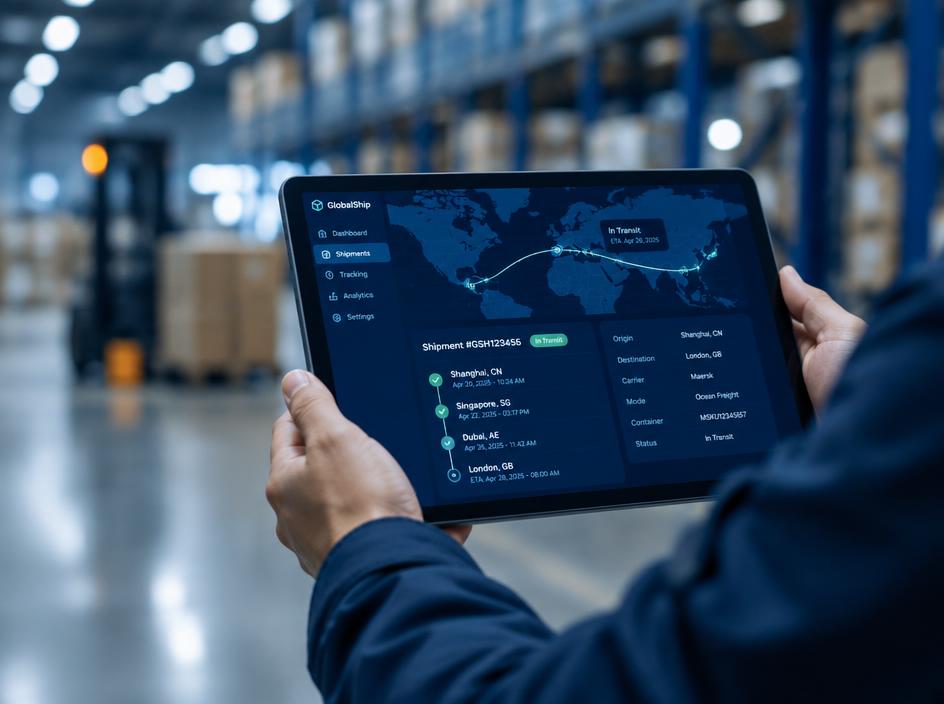
Live tool
Compare the indicative CO₂e footprint of your shipment across transport modes.
Estimated emissions
1.98 t CO₂e
10 g CO₂e per tonne-km, well-to-wake
Indicative planning estimate based on GLEC-style default factors. Actual emissions depend on route, load factor, equipment and fuel.
Same shipment, compared by mode (t CO₂e)
Overview
The emissions calculator gives logistics teams a quick, consistent estimate of a shipment's greenhouse gas emissions. Enter the transport mode, cargo weight and distance to see the result in tonnes of CO₂e, and compare the same shipment across ocean, rail, road and air.
Estimates use indicative well-to-wake emission factors per tonne-kilometre, informed by the GLEC Framework and ISO 14083. They are designed for planning — comparing modes, testing routing options and preparing supplier conversations — rather than for audited disclosure.
For reporting, our teams can provide shipment-level calculations using actual routing, vessel and fuel data where available. These replace default factors with operational data and document the boundary, method and assumptions used.
GLEC
Framework aligned
How we work
Our teams connect operational decisions with measurable priorities and clear communication.
Enter weight and distance to see an indicative footprint immediately, without registering or uploading shipment files.
See how the same shipment compares by ocean, rail, road and air to inform modal decisions early in planning.
Factors include fuel production as well as combustion, giving a more complete picture than tailpipe emissions alone.
Calculation logic follows GLEC Framework principles and the ISO 14083 standard for transport chain emissions.
For disclosure, account teams prepare shipment-level calculations using actual routing and fuel data where available.
Results highlight where modal shift, consolidation or lower-carbon options could make the biggest difference.
Performance & context
How it works
The calculator follows a transparent activity-based sequence informed by the GLEC Framework and ISO 14083.
Capture origin, destination, transport mode, cargo weight and relevant shipment or service details. Confirm whether the requested estimate covers a single leg or a multi-leg logistics chain.
Identify included activities and lifecycle scope. For comparable logistics-chain reporting, apply consistent boundaries and disclose exclusions, allocation choices and any material data limitations.
Calculate transport activity and apply appropriate mode-specific emissions factors. The GLEC Framework provides logistics emissions accounting guidance and is aligned with ISO 14083 requirements for quantifying and reporting transport-chain emissions.
Check units, assumptions and available data quality, then interpret the result as an estimate. Retain supporting inputs and do not present indicative outputs as independently verified inventory figures.
Reference
| Element | Approach | Customer input |
|---|---|---|
| Activity data | Shipment weight and distance | Provide actual or best available values |
| Transport chain | Mode and journey legs | Include relevant legs and transfers |
| Emission factors | Mode-specific and lifecycle basis | Review factor scope and vintage |
| Allocation | Share of service activity | Apply documented allocation rules |
| Data quality | Primary or modelled information | Retain provenance and limitations |
| Reporting | Consistent boundaries and units | Align with GLEC / ISO 14083 |
In operation
Our sustainability work depends on collaboration across the logistics chain. Fast Safe Cargo teams can discuss co₂ emissions calculator priorities, operational context and available information for your requirements.
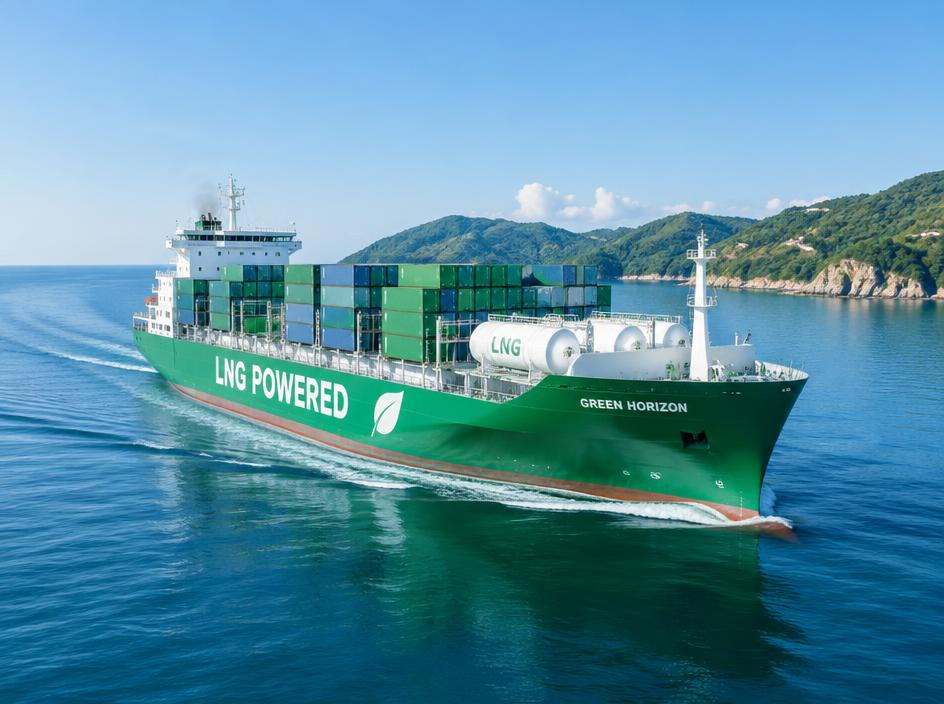
Working together on progress

FAQ
Can't find what you're looking for? Our specialists are available around the clock.
Contact our teamKeep exploring
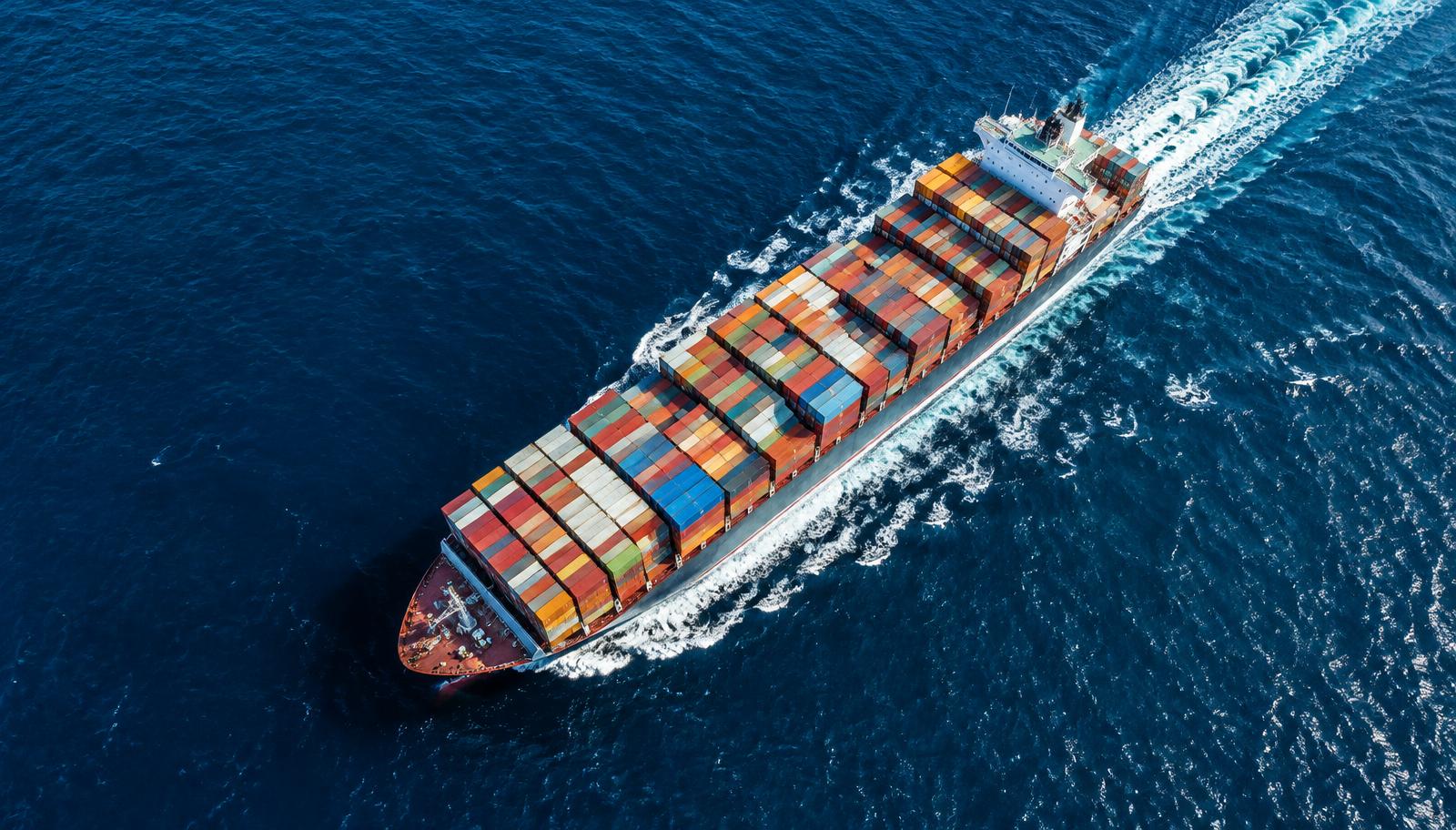 Green Solutions
Lower-emission ocean options using dual-fuel LNG vessels, efficient routing and better utilisation, with emissions data per shipment.
ExploreOur CommitmentHow climate considerations shape our network planning, procurement, operations and governance across 54 countries.
ExploreOur CommitmentOur pathway to net-zero emissions by 2050, with a 40% cut in CO₂ intensity by 2030 against a 2019 baseline.
Explore
Share your route, operational priorities and reporting needs so we can identify relevant information and practical next steps.