01
REST resources
Documented REST endpoints for tracking, schedules, quotes, bookings and documents return consistent JSON for straightforward integration.

Overview
The Developer API connects your ERP, TMS or customer systems to Fast Safe Cargo. RESTful JSON endpoints cover tracking, schedules, quotes, bookings and documents, so shipment data flows into the tools your teams already use without manual re-entry.
Webhooks push events such as departures, arrivals, delays and document availability to your systems as they happen, removing the need for constant polling. A sandbox environment with test data lets developers build and validate integrations before switching to production.
Access is secured with OAuth 2.0 and scoped credentials, and our information security is managed to ISO 27001. API access is provided to approved customers and partners; our integration team supports onboarding, testing and go-live.
REST API
Tool capability
Built for operational clarity
A focused set of capabilities helps teams move from information to an appropriate next action.
Documented REST endpoints for tracking, schedules, quotes, bookings and documents return consistent JSON for straightforward integration.
OAuth 2.0 with scoped client credentials ensures each integration accesses only the data and actions it has been approved for.
Subscribe to shipment events and receive webhook notifications as milestones occur, reducing polling and keeping systems current.
A sandbox with realistic test data lets developers build, test and demonstrate integrations safely before production access.
Versioned endpoints and advance notice of changes help integrations keep running reliably as the API evolves.
Our integration team provides onboarding, technical guidance and testing support from first call to go-live.
Operational context
How it works
Follow these steps to use the tool responsibly and make the result actionable.
Apply for API access through your account team.
Receive OAuth client credentials for the test environment.
Develop against the sandbox using documented endpoints and webhooks.
Validate key scenarios with our integration team.
Switch to production credentials and monitor your integration.
Reference
Illustrative resource families; endpoint access, versions and schemas are provided in the authenticated developer documentation.
| Resource | Method | Purpose | Typical response |
|---|---|---|---|
| /v1/shipments/{id} | GET | Retrieve shipment summary | Status and references |
| /v1/shipments/{id}/events | GET | List shipment milestones | Timestamped event records |
| /v1/schedules | GET | Search route schedules | Services and planned dates |
| /v1/quotes | POST | Submit a quote request | Quote reference or validation |
| /v1/bookings | POST | Create a booking request | Booking reference and status |
| /v1/documents/{id} | GET | Retrieve permitted document metadata | Document status and link |
In operation
FSC digital tools support better coordination across transport and customer workflows. Access and available content depend on account permissions, route and operational data sources.

Connected logistics information


FAQ
Can't find what you're looking for? Our specialists are available around the clock.
Contact our teamKeep exploring
 Track & Plan
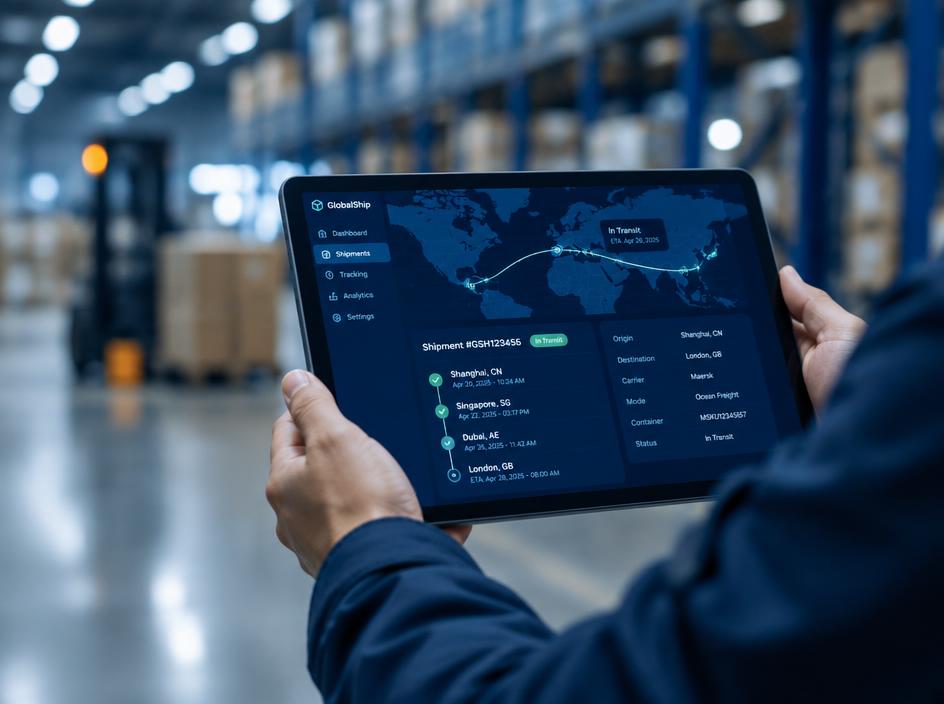
Follow shipment milestones in one view, from booking confirmation through delivery and document availability.
Explore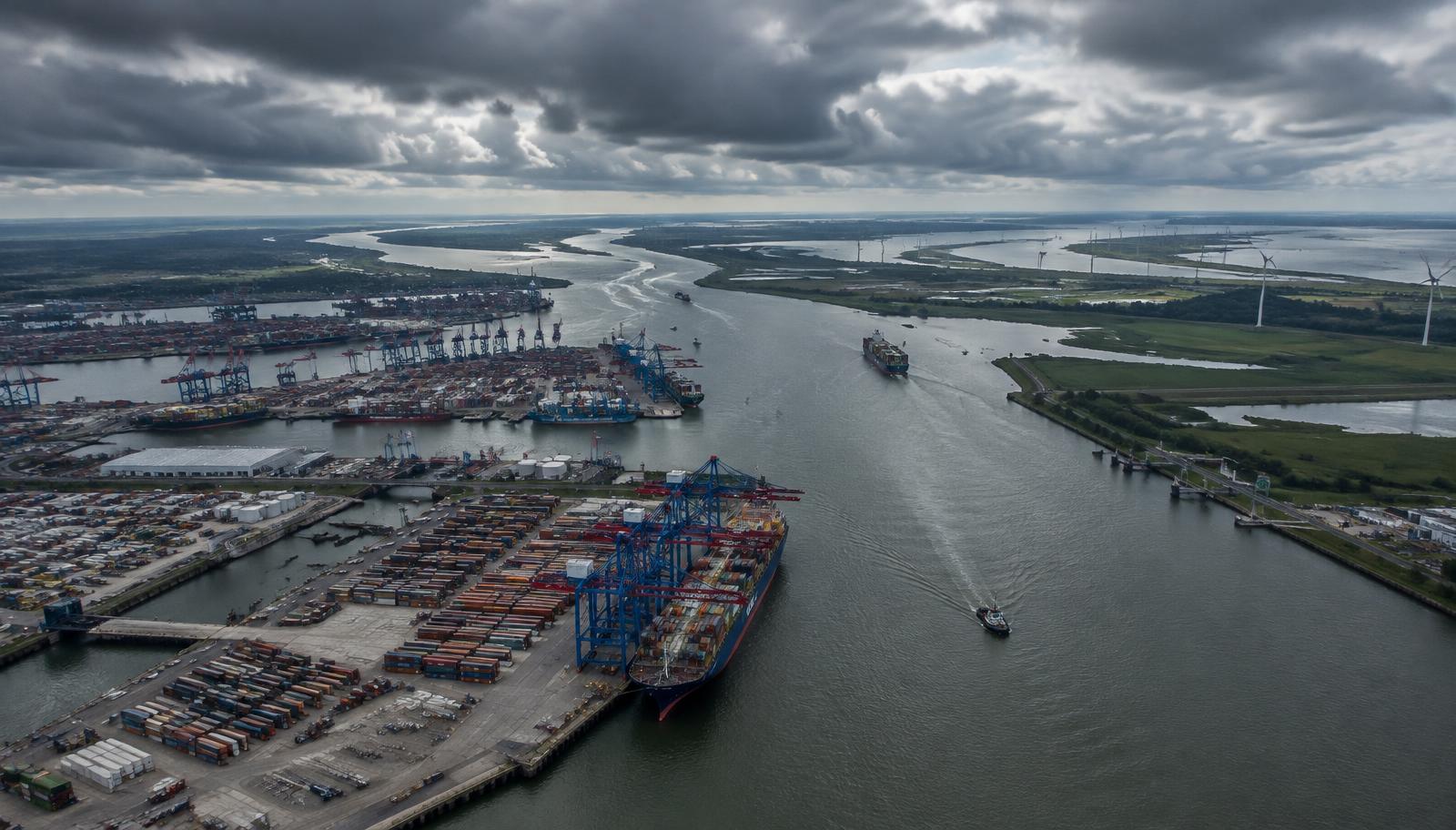 Track & Plan
Compare planned services and port connections to select a routing that fits your cargo priorities.
Explore Track & Plan
View vessel position and voyage context alongside the shipment information that matters to your team.
Explore
Speak with your FSC representative for operational guidance or access support.