01
Invoice retrieval
Search and download invoices and credit notes by invoice, booking or bill of lading number, individually or in bulk.

Overview
Invoices & Payments gives finance teams direct access to Fast Safe Cargo invoices, credit notes and payment records. Search by invoice number, booking or bill of lading, download copies and see which items are open, due or paid.
Each invoice links to the shipment it relates to, so charges can be matched against quotes and contracts quickly. Line items show freight, surcharges and local charges separately, helping teams validate costs before approval.
Access follows your account permissions, so commercial information is visible only to authorised users. Queries about a charge can be raised against the invoice and are routed to the right billing team with the full context attached.
Invoice access
Tool capability
Built for operational clarity
A focused set of capabilities helps teams move from information to an appropriate next action.
Search and download invoices and credit notes by invoice, booking or bill of lading number, individually or in bulk.
See whether each invoice is open, due, overdue or paid, with due dates clearly shown to support payment planning.
Payment references and remittance details are recorded against invoices, simplifying reconciliation in your finance system.
Invoice access follows user roles, so finance, operations and management see only the information appropriate to them.
Raise a query on a specific invoice line; it is routed to the responsible billing team with shipment details attached.
A full history of invoices, credits and payments supports audits, accruals and supplier spend analysis.
Operational context
How it works
Follow these steps to use the tool responsibly and make the result actionable.
Access the portal with your finance user account.
Search by invoice, booking or bill of lading, or filter by status.
Check line items against your quote or contract.
Arrange payment using the stated reference, or raise a query on a line.
Download records and remittance details for your finance system.
In operation
FSC digital tools support better coordination across transport and customer workflows. Access and available content depend on account permissions, route and operational data sources.

Connected logistics information


FAQ
Can't find what you're looking for? Our specialists are available around the clock.
Contact our teamKeep exploring
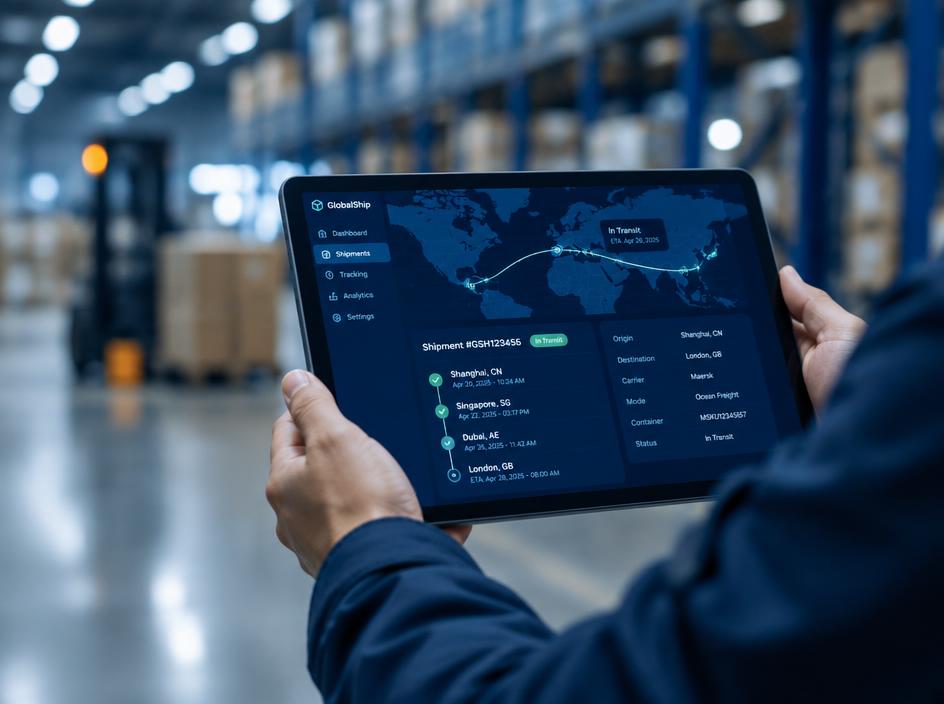 Track & Plan
Follow shipment milestones in one view, from booking confirmation through delivery and document availability.
Explore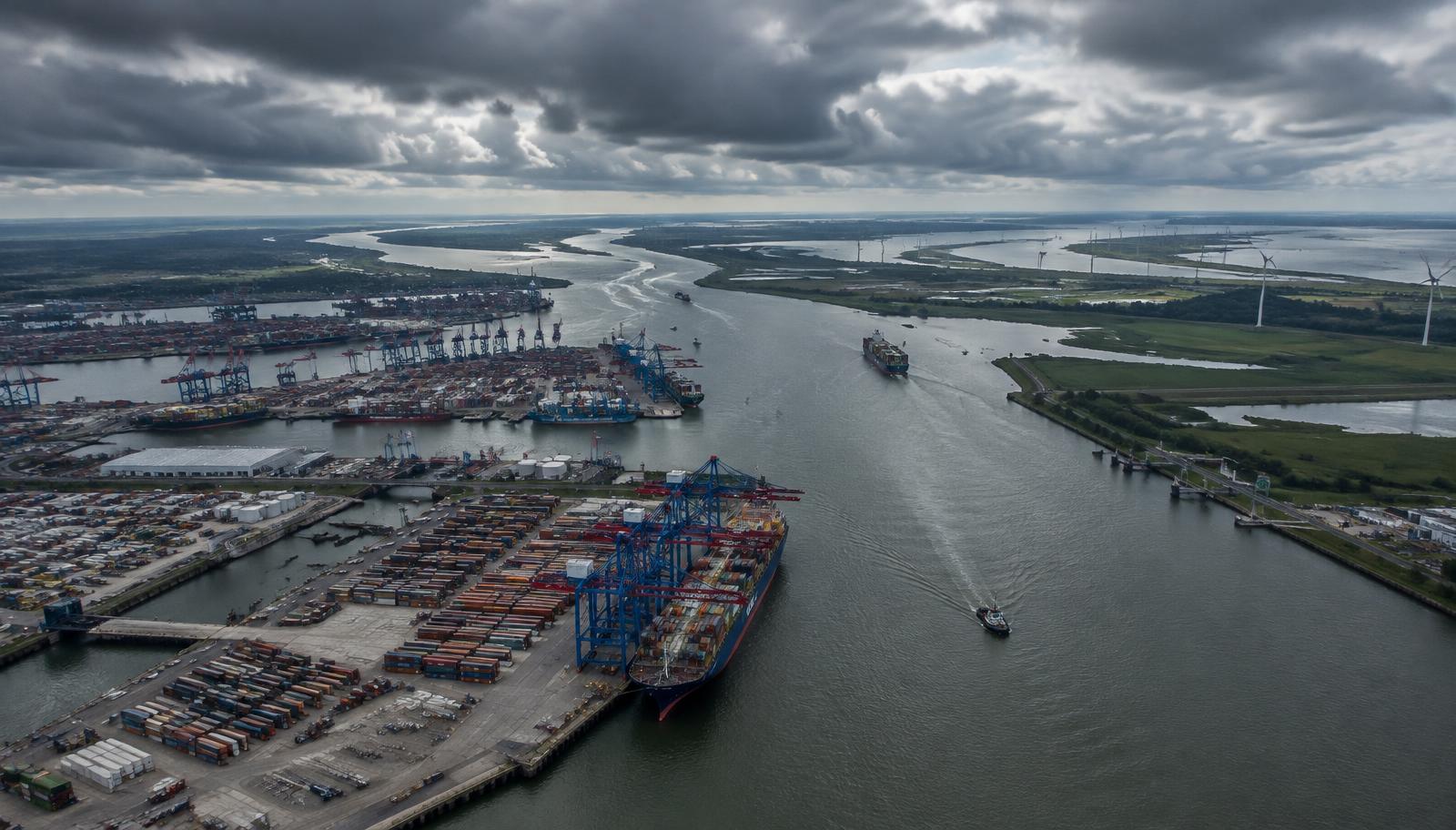 Track & Plan
Compare planned services and port connections to select a routing that fits your cargo priorities.
Explore Track & Plan
View vessel position and voyage context alongside the shipment information that matters to your team.
Explore
Speak with your FSC representative for operational guidance or access support.