01
Guided entry
Step-by-step entry guides you through parties, cargo, routing and dates, with help text where requirements differ by mode.

Live tool
Choose a mode, enter your lane and cargo details, and request a rate in minutes.
Overview
Online Booking turns an accepted quote or a contract rate into a confirmed shipment without email chains. Enter shipper, consignee, cargo and routing details through a guided form, and receive a booking reference you can track from the moment it is submitted.
The form adapts to your cargo — adding fields for reefer settings, dangerous goods declarations or oversized dimensions when they apply — and validates key information before submission, reducing the risk of delays caused by incomplete or inconsistent data.
Once submitted, our operations team reviews space, equipment and compliance requirements and confirms the booking. Amendments can be requested through the same workflow, and every change is recorded against the booking reference.
Portal access
Tool capability
Built for operational clarity
A focused set of capabilities helps teams move from information to an appropriate next action.
Step-by-step entry guides you through parties, cargo, routing and dates, with help text where requirements differ by mode.
Frequently used parties, addresses and commodity descriptions can be saved and reused to speed up repeat bookings.
Temperature settings, dangerous goods details and handling instructions are captured in structured fields rather than free text.
Review a complete summary before submitting, with key fields checked for missing or inconsistent information.
A booking reference is issued immediately, and status moves from submitted to confirmed as our team processes it.
Request changes to dates, quantities or parties through the booking, with every amendment logged for traceability.
Operational context
How it works
Follow these steps to use the tool responsibly and make the result actionable.
Open an accepted quote or contract rate, or begin a new booking.
Enter shipper, consignee and notify party, or select saved contacts.
Provide commodity, packages, weight and any special requirements.
Check the summary and submit to receive a booking reference.
Our team confirms space and equipment and notifies you of the result.
In operation
FSC digital tools support better coordination across transport and customer workflows. Access and available content depend on account permissions, route and operational data sources.

Connected logistics information


FAQ
Can't find what you're looking for? Our specialists are available around the clock.
Contact our teamKeep exploring
 Track & Plan
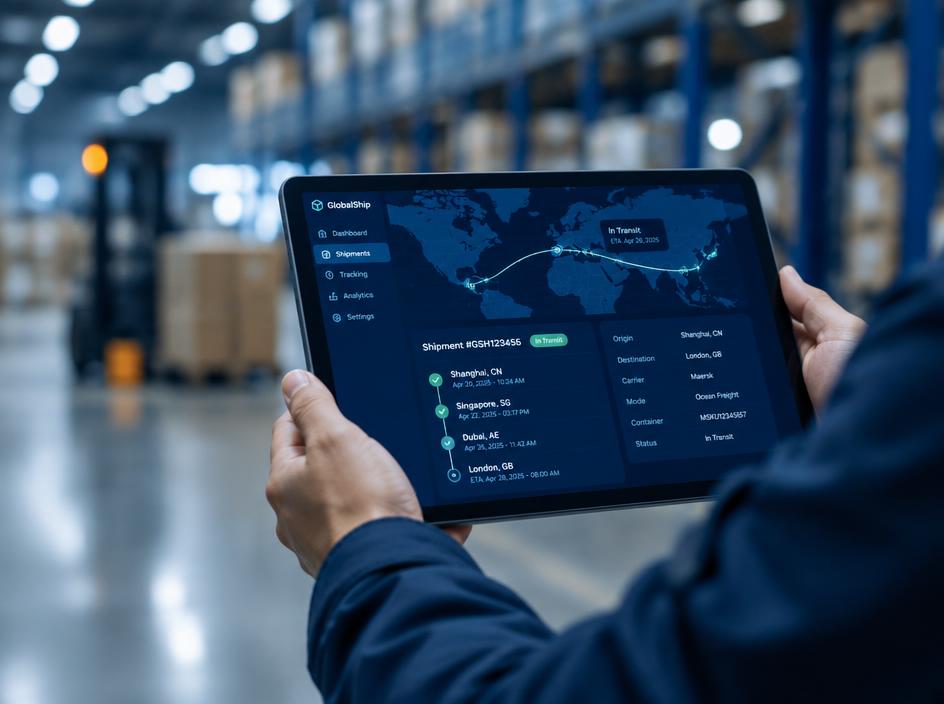
Follow shipment milestones in one view, from booking confirmation through delivery and document availability.
Explore Track & Plan
Compare planned services and port connections to select a routing that fits your cargo priorities.
Explore Track & Plan
View vessel position and voyage context alongside the shipment information that matters to your team.
Explore
Speak with your FSC representative for operational guidance or access support.